Every AI writes markdown. Now it's worth reading.
Forgedown is a free markdown reader for Mac, iPad and iPhone. Open any .md and it just looks right — tables, code, diagrams, images. No account. No analytics. No “Pro”.
Requires macOS 26 or iOS 26 · Nothing to buy, ever
# Q3 Engineering Report | Region | Revenue | Δ | |--------|---------|------| | EMEA | £1.2M | +18% | | APAC | £940K | +7% | - [x] Ship v1.0 - [ ] Localise docs  ```swift let doc = try MD(url) ```
let doc = try MD(url)
If it's in the file, it's on the screen.
Tables with alignment, task lists, strikethrough, and footnotes with two-way jump links.
Built from your headings, tracking where you are as you scroll. Jump anywhere in a 400-line spec.
Match highlighting with next and previous, straight from the keyboard.
Per document — even when every file is called README.md, and even if you rename it.
Any file becomes a properly paginated PDF or a self-contained HTML page. No watermark, no paywall.
VoiceOver reads your actual document, not a description of it. Dynamic Type and full keyboard control.
 renders the image, not a grey box. Links between local markdown files work too — click through a folder of docs like a wiki. Forgedown asks once for folder access, then remembers.
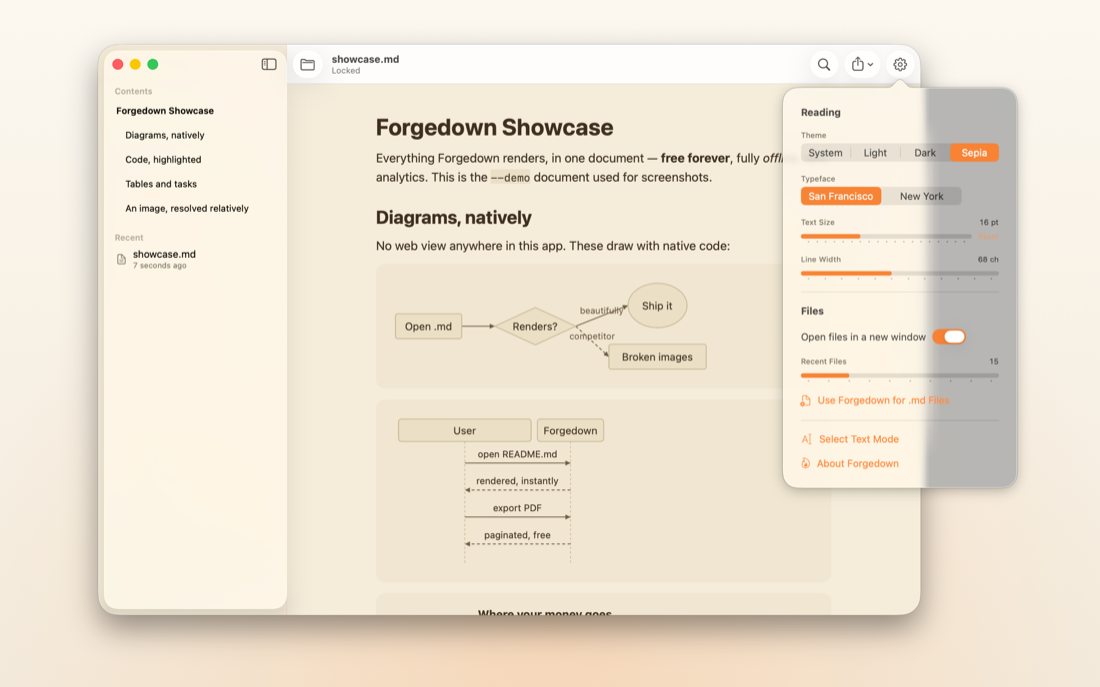
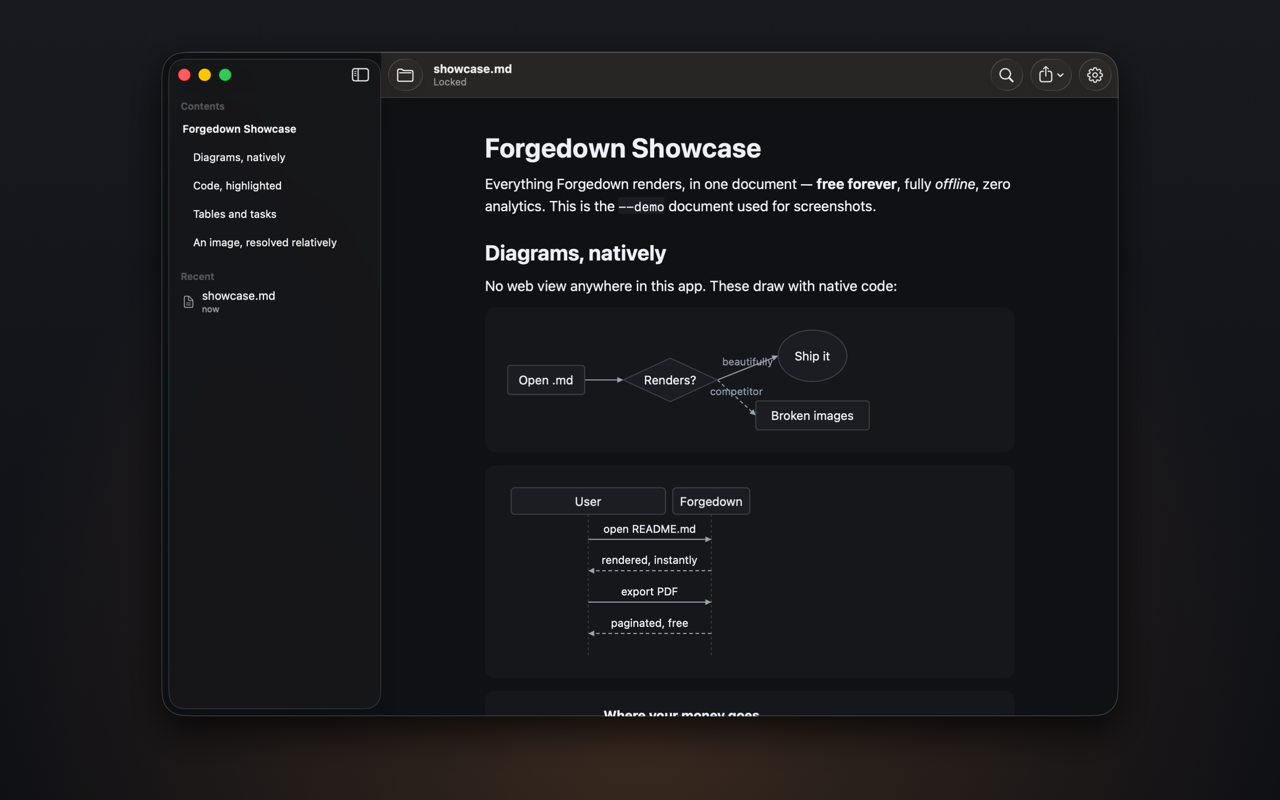
Flowcharts, sequence diagrams and pie charts, drawn with native code — entirely offline, with no web view anywhere in the app. Tap one to zoom.
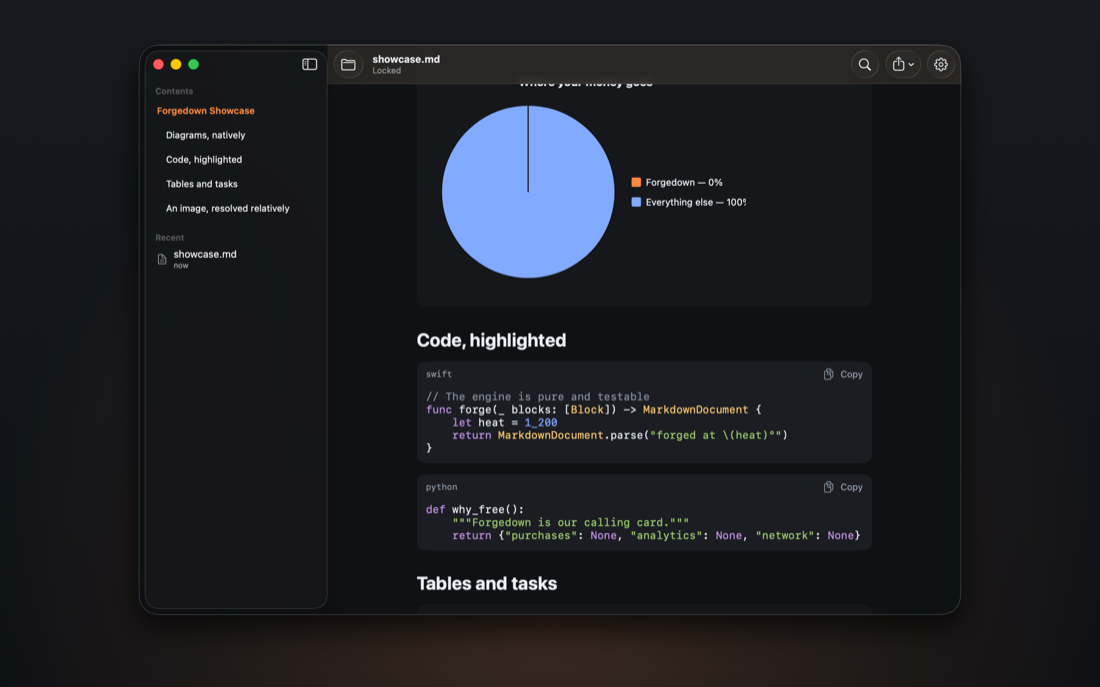
Syntax highlighting for Swift, Python, JavaScript, TypeScript, JSON, YAML, Bash, SQL, HTML, CSS, C, C++, Go, Rust and Kotlin — with a copy button on every fence.
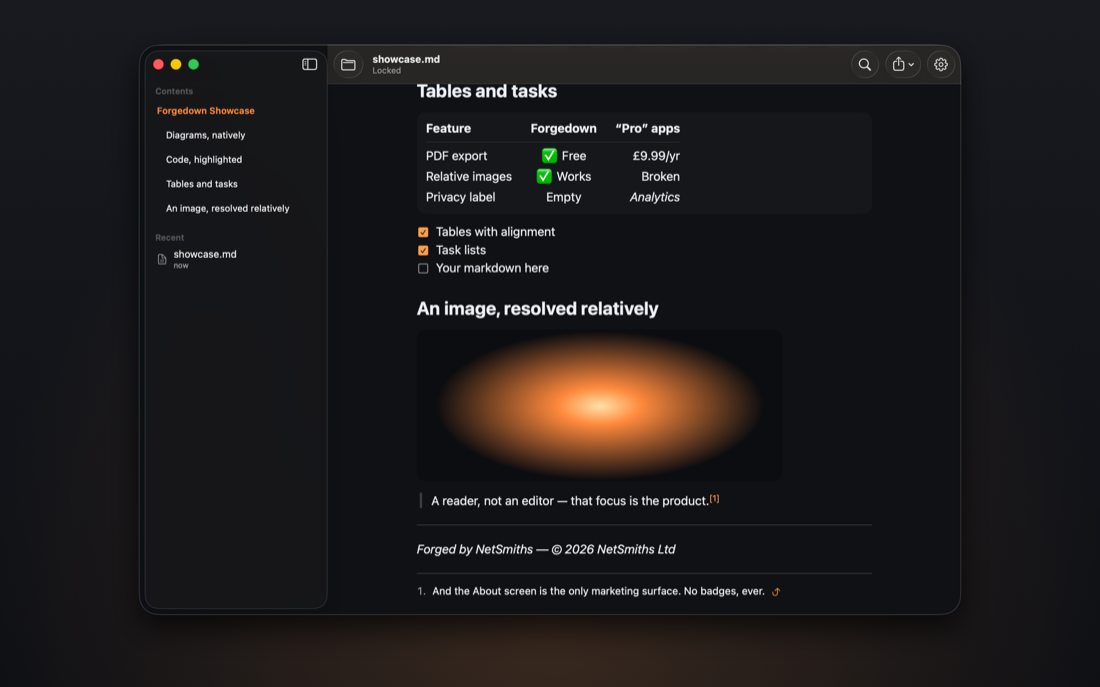
System, Light, Dark and Sepia — every colour contrast-tested. Set in San Francisco or New York, at the text size and line width that suit you, once.
Actually free. No asterisk.
No purchase. No subscription. No “free tier”. Export to PDF and HTML, print, everything — free, for everyone, forever.
Forgedown is NetSmiths' gift to everyone drowning in AI-generated markdown — and our calling card. Our other apps are pay-once. This one isn't even that.
The privacy label is empty because there's nothing to put in it.
Forgedown never touches the network. Your files are rendered on your device and go nowhere. No analytics, no accounts, no iCloud, no tracking — not “minimal”, none.
There is no web view anywhere in the app, either. On macOS a sandboxed web view would need the network entitlement, so the diagrams are drawn in native code instead. The app simply has no way to reach the internet — and you can check that yourself.
- network access
- — none
- analytics
- — none
- accounts
- — none
- iCloud
- — none
One reader, all your screens.
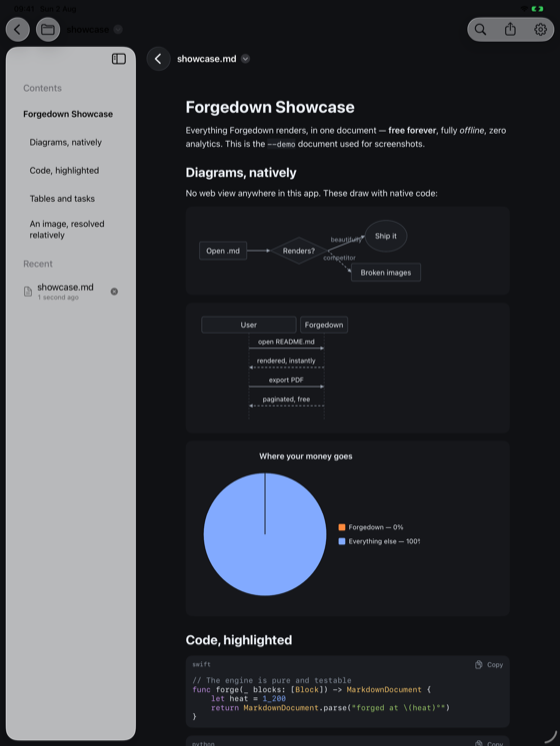
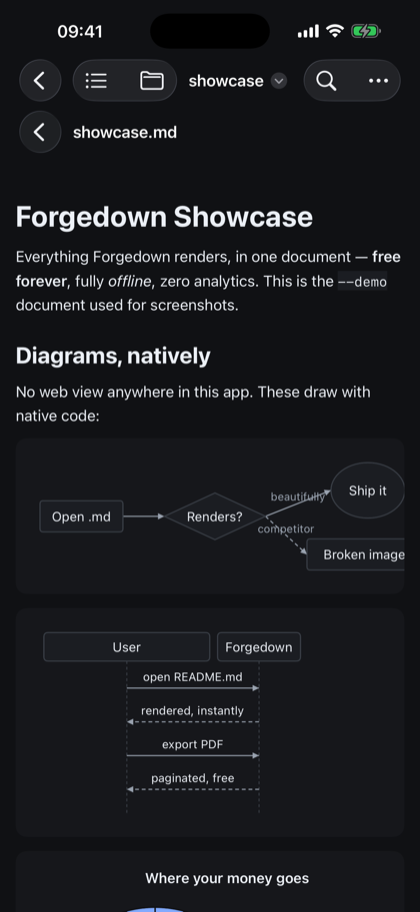
Fair questions, straight answers.
Is it really completely free?
Yes. There is nothing to buy in the app — no purchases, no subscription, no locked features. NetSmiths makes pay-once apps; Forgedown is the free one.
Do you collect anything?
No. The app has no network entitlement at all, so it cannot send anything anywhere. The App Store privacy label is genuinely empty.
Can it edit markdown?
No — and that's deliberate. Forgedown is a reader. Your editor already edits.
Which files does it open?
.md, .markdown, .mdown and .mkd — from anywhere on your device, or your own cloud storage via Files.
Which Mermaid diagrams are supported?
Flowcharts, sequence diagrams and pie charts are drawn natively, offline. Any other diagram type is shown as a neatly formatted source block with a note saying so — never a broken image or an error.
Why don't my images show in other apps but show here?
Other readers ignore images referenced by relative paths next to your file. Forgedown resolves them properly — it asks once for folder access, then remembers.
What do I need to run it?
macOS 26 on a Mac, or iOS or iPadOS 26 on an iPhone or iPad. One download covers all three.
Who makes this?
NetSmiths Ltd, a UK software studio. Everything we build is native and private.
forged by NetSmiths
NetSmiths is a UK software studio. Everything we build is native and private — no subscriptions, no accounts, no tracking. Forgedown is the free one: our calling card, in the studio's own chrome.
netsmiths.com →Your markdown deserves better than a grey box.
Requires macOS 26 or iOS 26 · Nothing to buy, ever